OBS Tune-Up Training – Live Stream Optimization Session
OBS Tune-Up Training – Live Stream Optimization Session
Couldn't load pickup availability
- Direct 1-on-1 with Jeff
- Scheduled after checkout
- Secure Shopify checkout
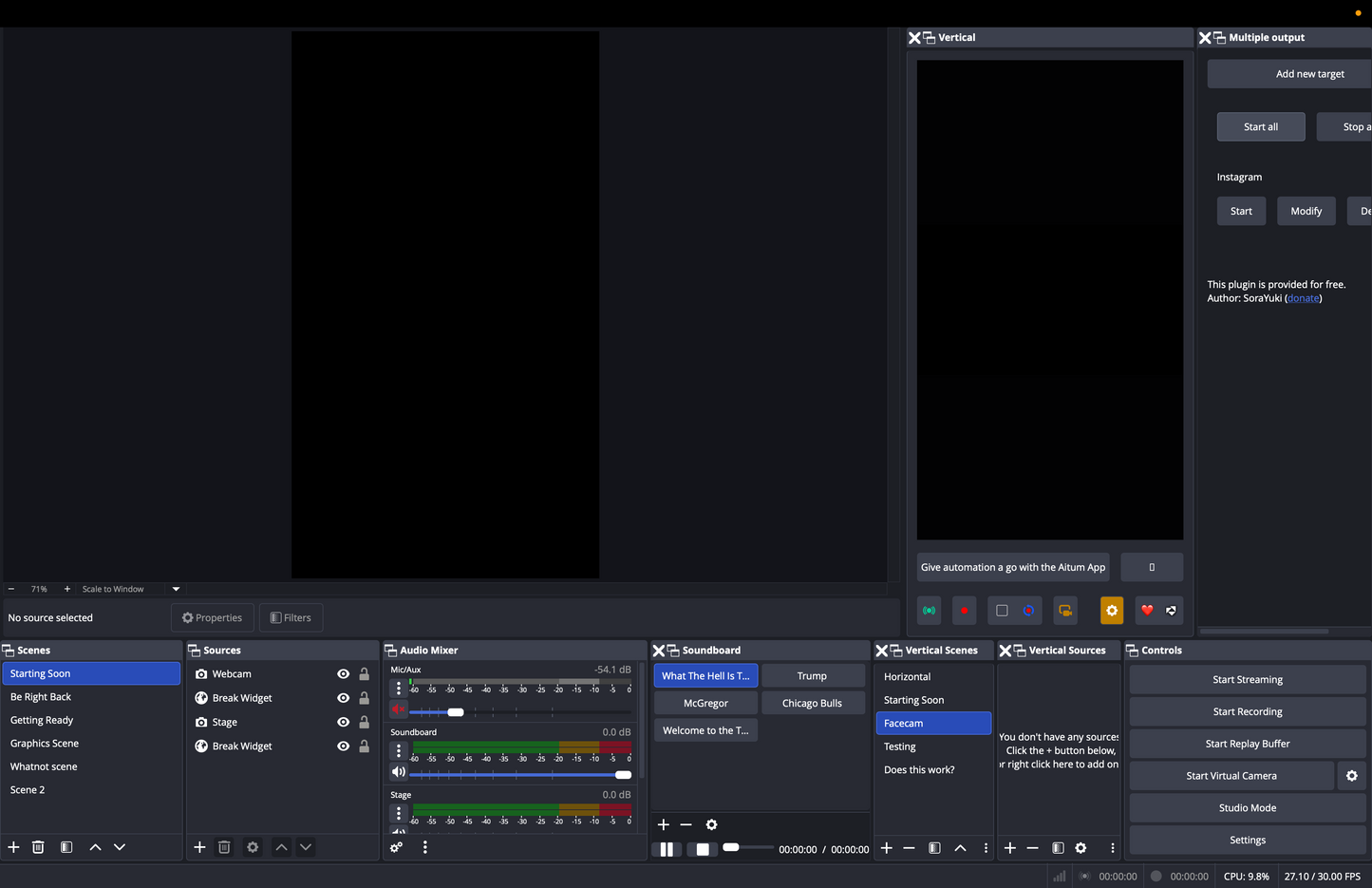
Your OBS is running, you're streaming — but something's still off. The OBS Tune-Up Training session is live, hands-on help to dial in exactly what isn't working, with you in the session so you leave knowing how to maintain it yourself.
What we cover in the session:
- Audio levels, routing, and filter settings
- Scene layout optimization and cleanup
- Overlay and widget performance
- Bitrate and output settings tuned for your connection
- Transition logic and scene switching best practices
- StreamDeck configuration if applicable
- Any specific issues you're dealing with
Format: Live screen-share session. Changes are applied during the call. You'll leave with the fixes in place and the understanding to maintain them.
Who this is for:
Streamers who already have OBS set up but want someone to work through their specific settings with them — not just receive a checklist to follow on their own. If you know what's wrong but want someone to walk you through fixing it live, this is the service.
Not sure where to start? A Stream Audit first gives you a full written breakdown of what needs to change before any session. If you need everything built from the ground up, see the OBS Installation Service. For ongoing support after your tune-up, the Monthly Retainer keeps help available throughout the month.
Browse all streaming services → Streaming Services
How Booking Works
How Booking Works
1. Complete checkout to reserve your session. 2. Jeff emails you within one business day to schedule a time. 3. Local services happen by appointment in the Macomb County / Metro Detroit area; remote services run over video or screen share.
Not sure which service fits? Check the Services FAQ or send a message first.
Share